Orders management system
Replacing Instagram DMs and a notebook with an automated order chain
The problem
One of those clients was taking every order through Instagram DMs — no menu structure, no order history, nothing that didn't live in a chat thread.
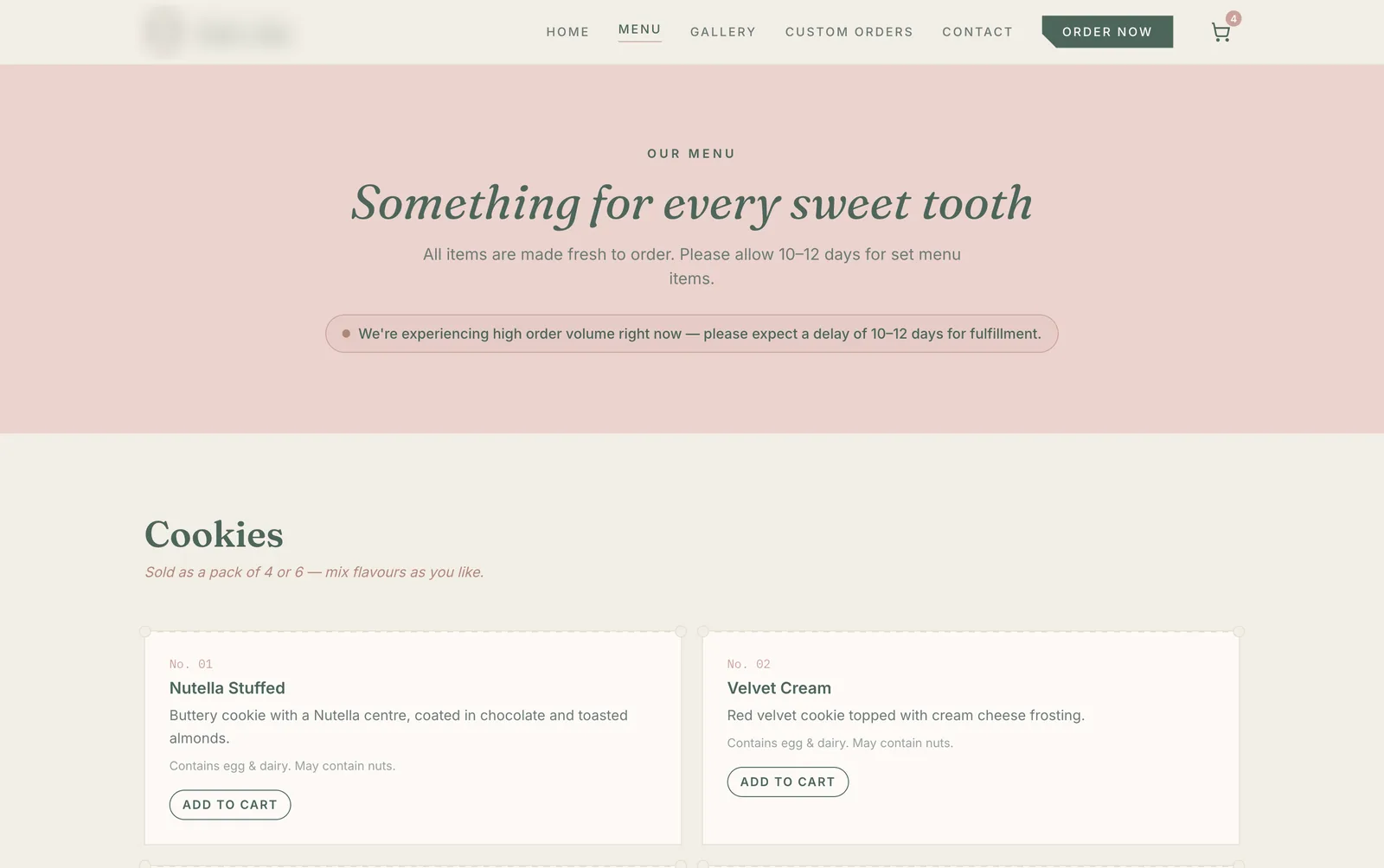
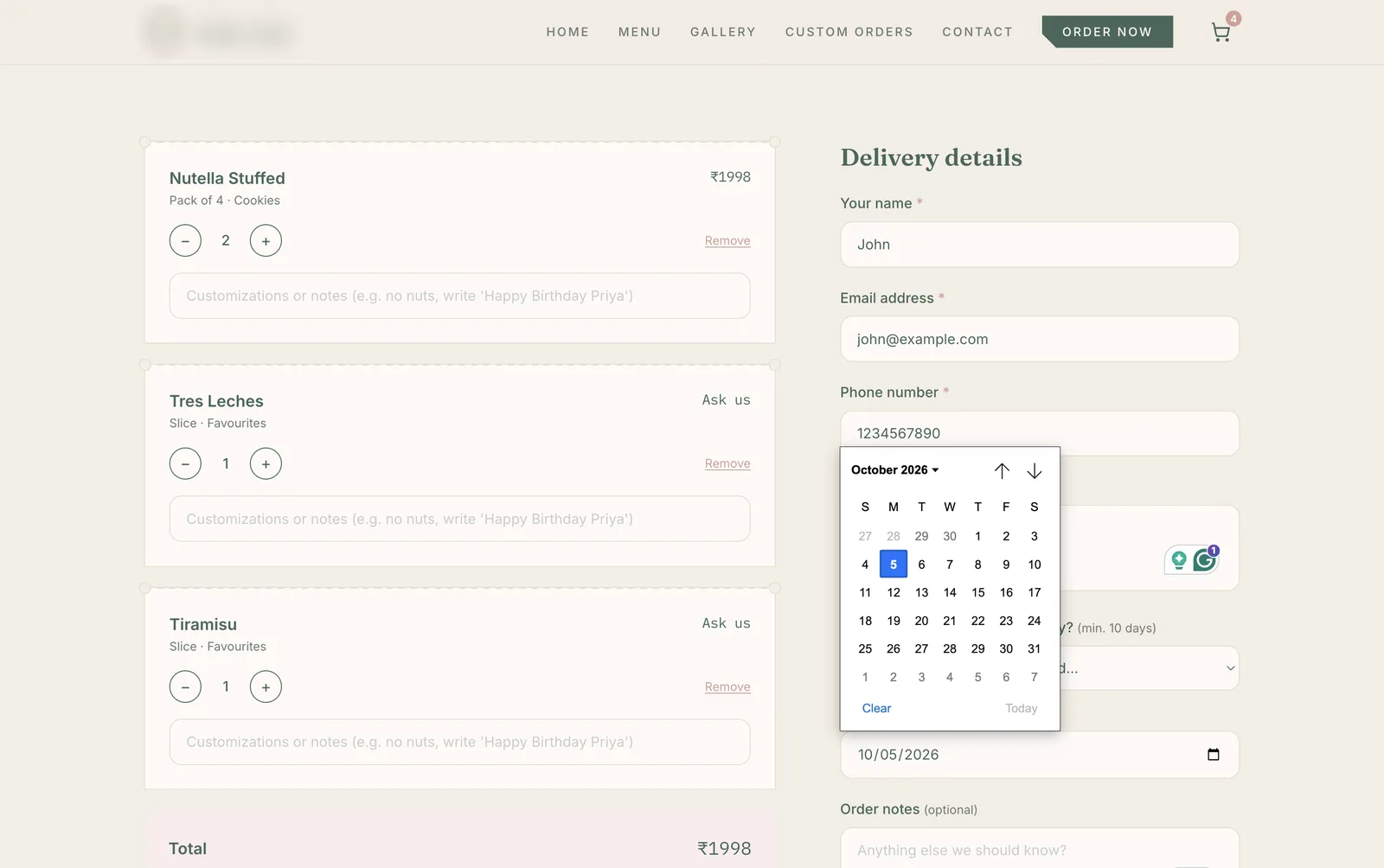
What the customer sees
They place an order on the site, get an automated confirmation, and pay via UPI. Payment goes directly to the owner through a QR code, UPI ID, or phone number, and the owner confirms the order once it lands.
Why there's no dashboard
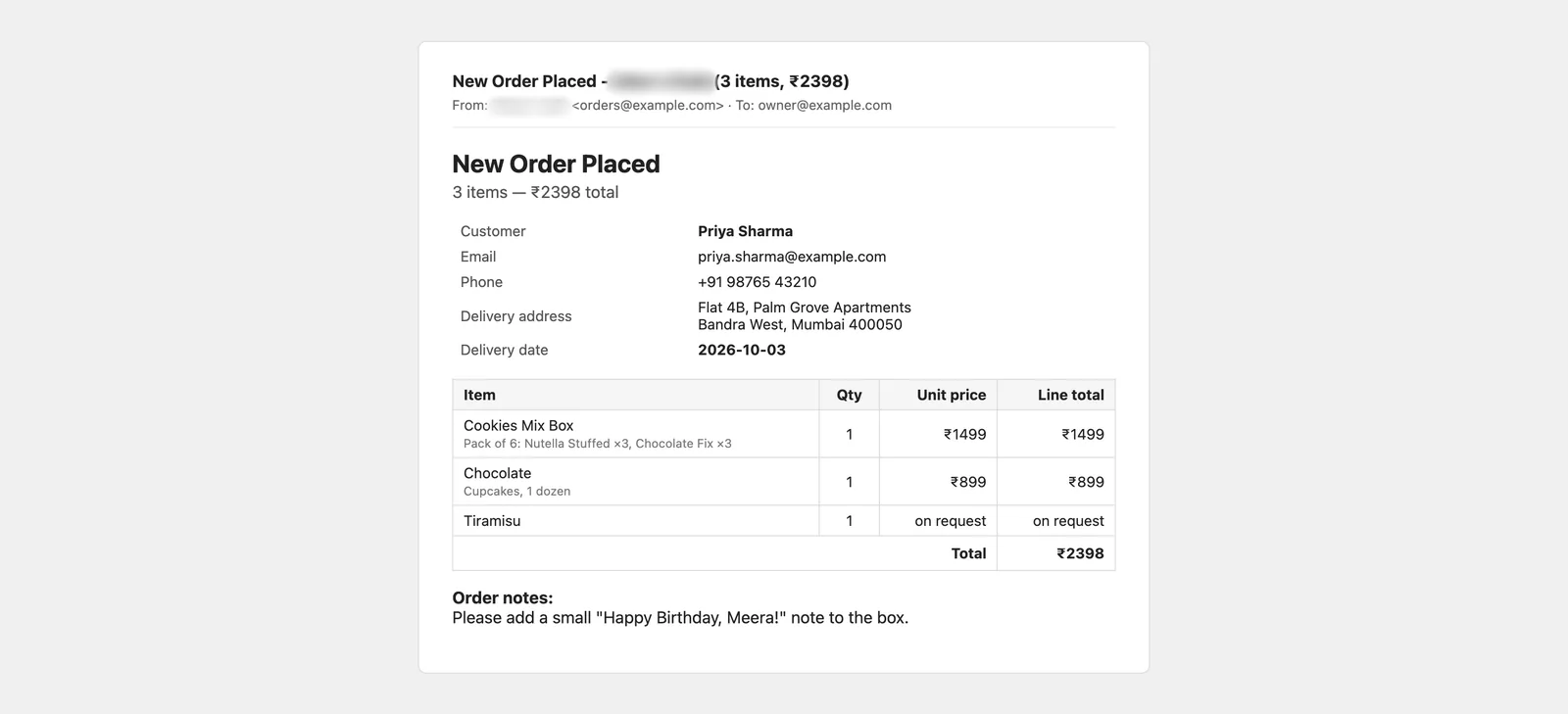
There's no staff dashboard — deliberately. Orders trigger an email to the owner and land in a tracking spreadsheet automatically, which matched how they already worked rather than asking them to learn a new tool.
The hard part
The hard part wasn't the ordering flow, it was replacing everything that used to happen by hand around it: reading an order out of a DM, typing a confirmation back, and manually adding it to a tracking sheet. I automated that whole chain — order in, confirmation out, sheet updated — so the only manual step left is the owner packing what's on the screen. Built with Next.js, Supabase, and Resend. In production since June 2026.